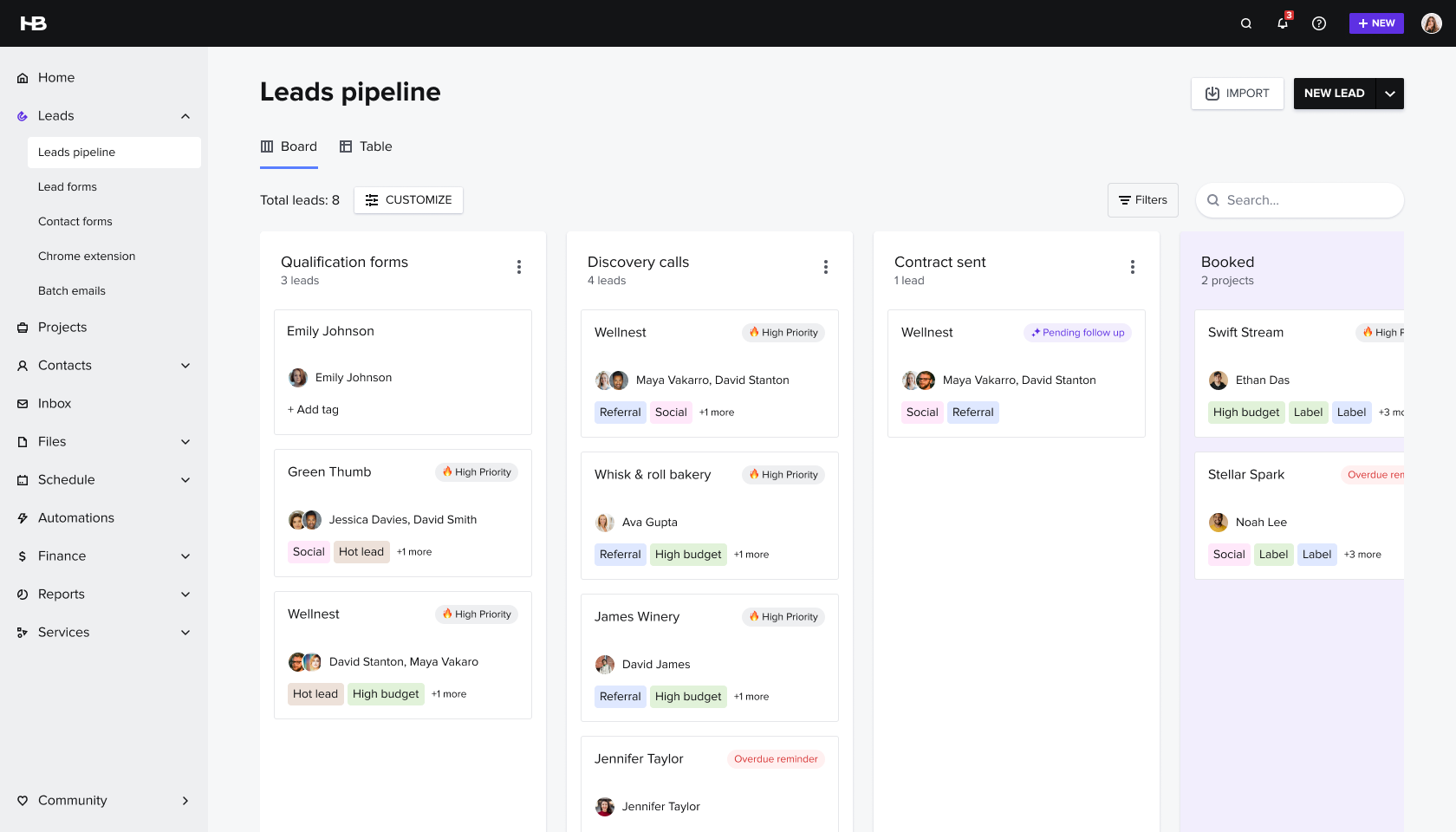
HoneyBook is an all-in-one business management platform for creative professionals. I led design on its core AI initiatives — helping users capture leads, communicate faster, and stay on top of their work without drowning in admin.
Leads lived in Gmail, got half-read, then buried. When users joined HoneyBook, their relationships stayed outside it — and the product couldn't prove its value.
The problem was discovery friction — users couldn't find the tools, didn't trust them, or didn't know they were missing anything.
"I was using six or seven programs to communicate with clients, share files, invoice. It was really scattered. My clients didn't have a place where everything was in one spot."
— Brittany Cheri, Marketing Consultant · research participant
13/13 participants relied on 6–7 tools, entering leads manually — if at all.
Members knew it. They just weren't doing it — inquiries sat in Gmail for days.
2–3 attempts, weekly, then silence. Fear of being annoying paralysed action.
Manual qualifying consumed hours — no visibility into who was actually worth responding to first.
HoneyBook's AI features are designed to act as a business partner — handling the repetitive, time-consuming work so creative professionals can focus on their craft. The features below follow a single user story from first inquiry to closed project.

A graphic designer and founder of a small studio. Thriving work, growing client base — and a flood of admin threatening to take over..
Anna is a composite built from research across 26 HoneyBook members, trialers, and non-members.
Anna receives a steady stream of client inquiries through email, but struggles to keep track of them. Some inquiries go unanswered for weeks.
HoneyBook's AI scans Anna's Gmail inbox, importing both past and ongoing inquiries to centralize her lead management in one place. This helps her uncover cold opportunities that might have been lost and enables her to follow up quickly.
Each lead suggestion is automatically enriched with relevant details, saving time and providing a more complete picture of each contact — so Anna can make informed decisions effortlessly.
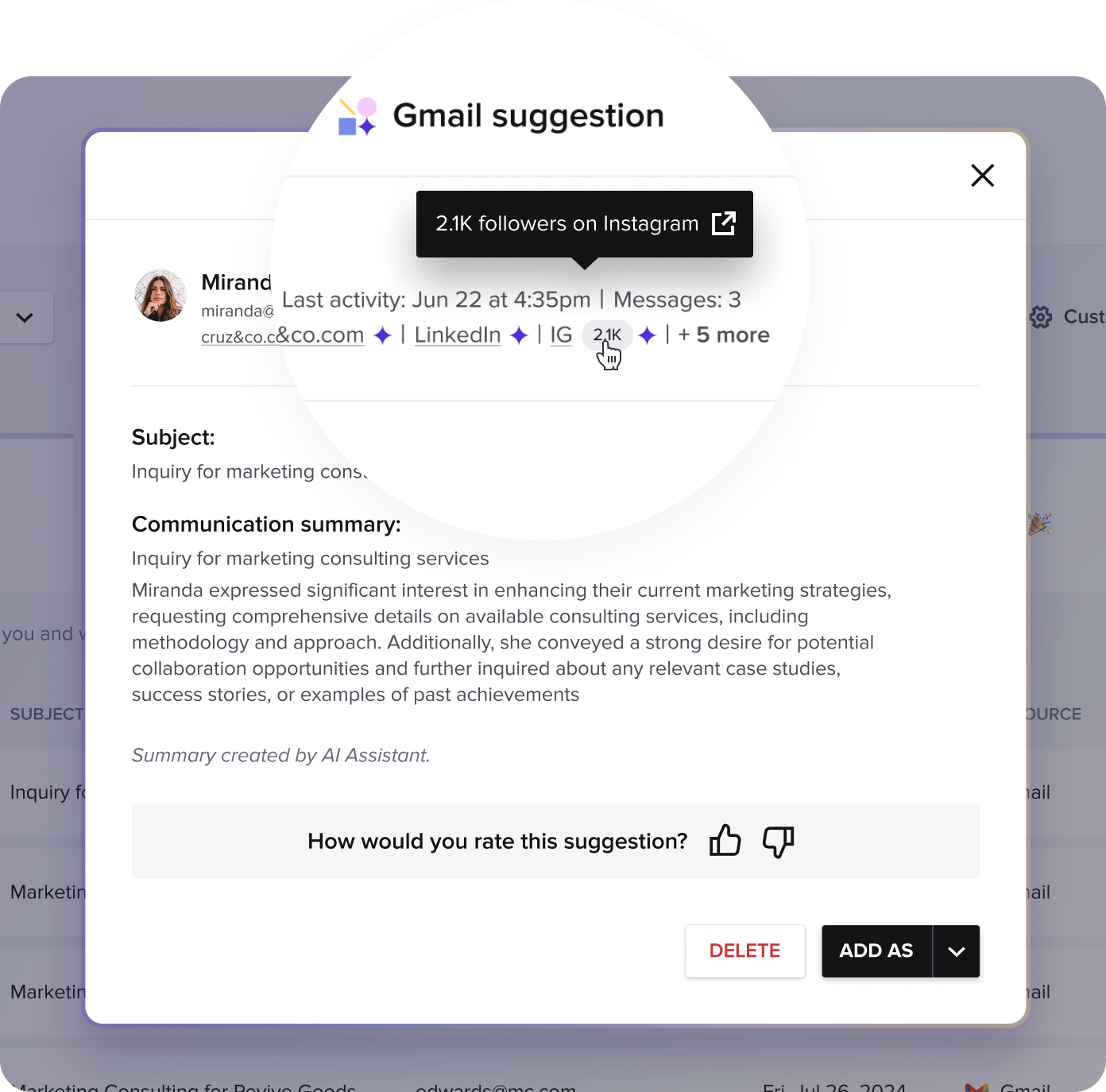
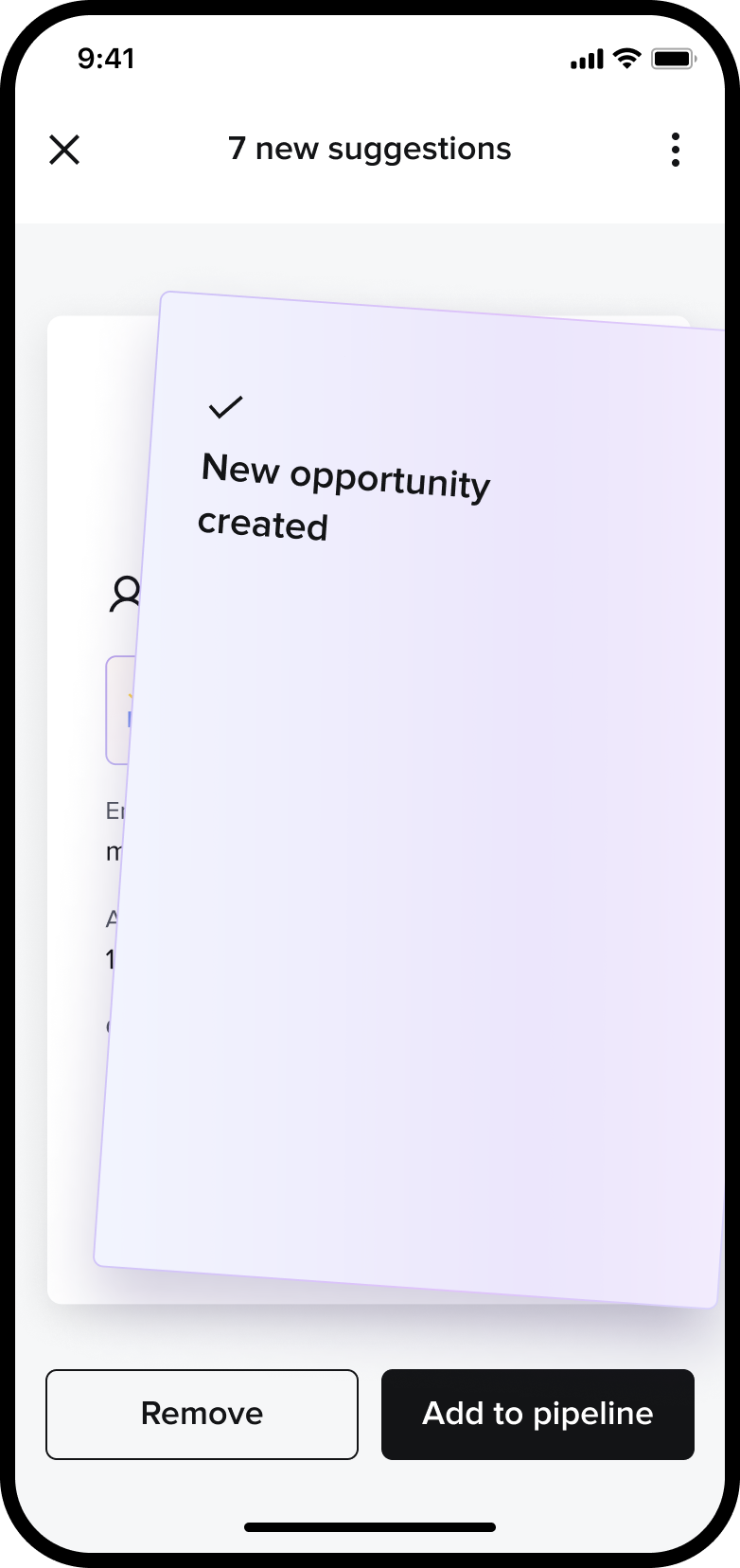
Projects / Suggestions page
Scattered workflow is the root cause. All 13 participants relied on 6–7 tools, leads lived in Gmail. Bringing relationships into HoneyBook was the highest-impact first move.
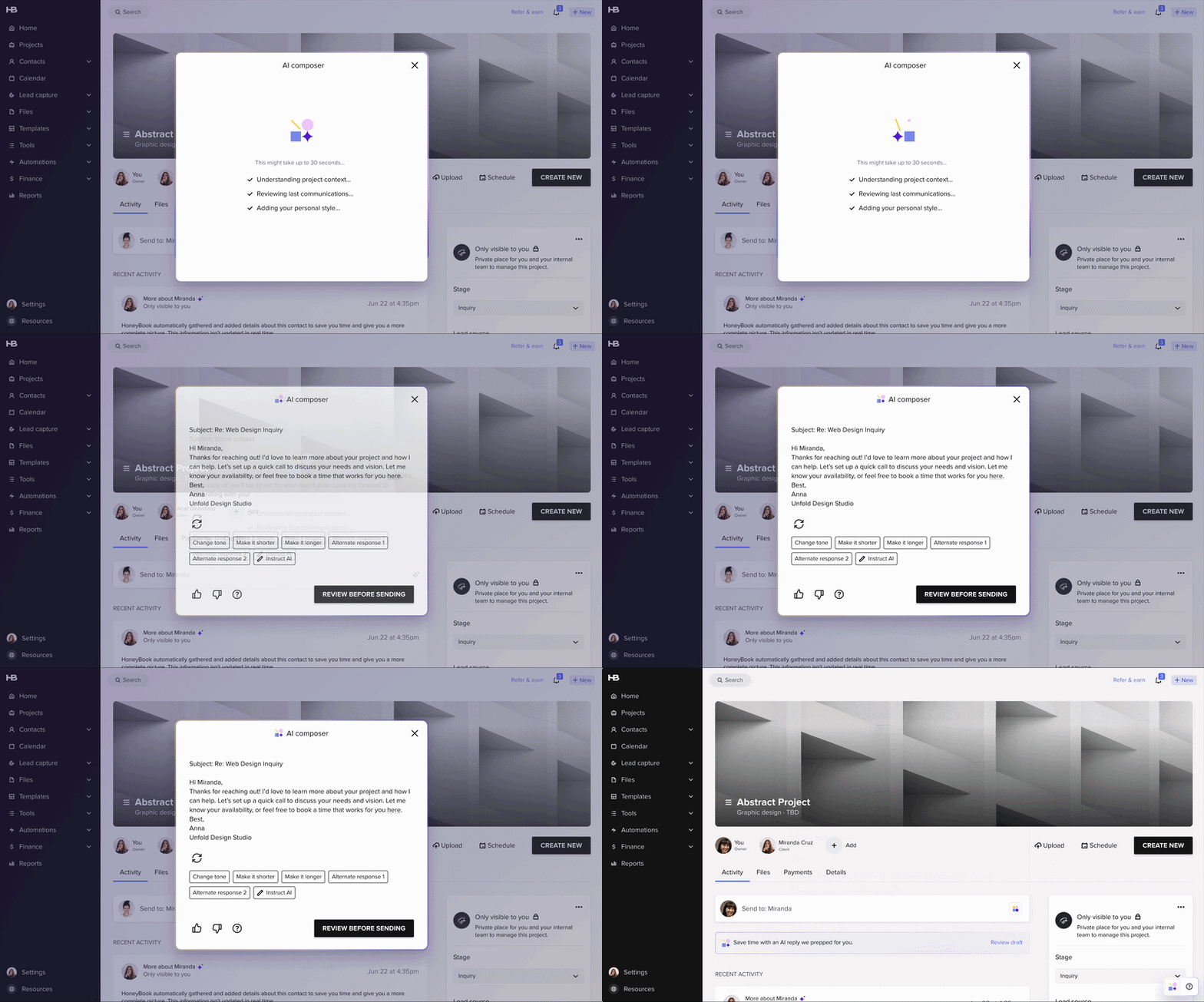
Anna spends a lot of time drafting client emails — from responding to inquiries to following up on proposals. Manually writing and personalizing each message delays her responses.
When Anna opens a project, an AI-generated draft instantly appears with a suggested reply. She can quickly review, edit manually, or regenerate a new version — making responses faster and more efficient while maintaining a personal touch.
Speed of response is the #1 booking factor. Members knew it and admitted they were failing. The blank reply screen was the friction — removing it was the fix.
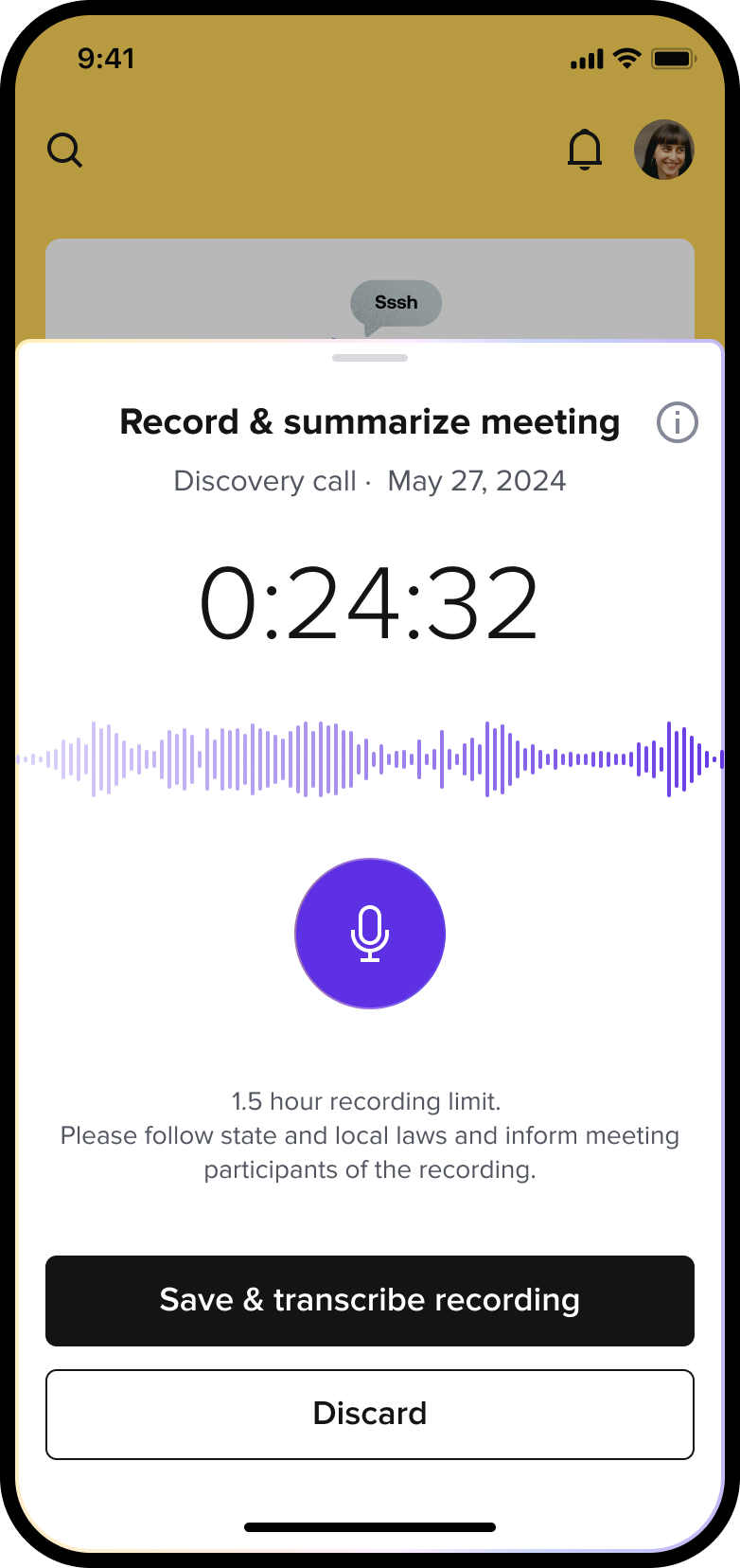
Keeping up with client meetings and follow-ups is overwhelming. After each call, Anna struggles to remember all the action items, leading to delays in next steps.
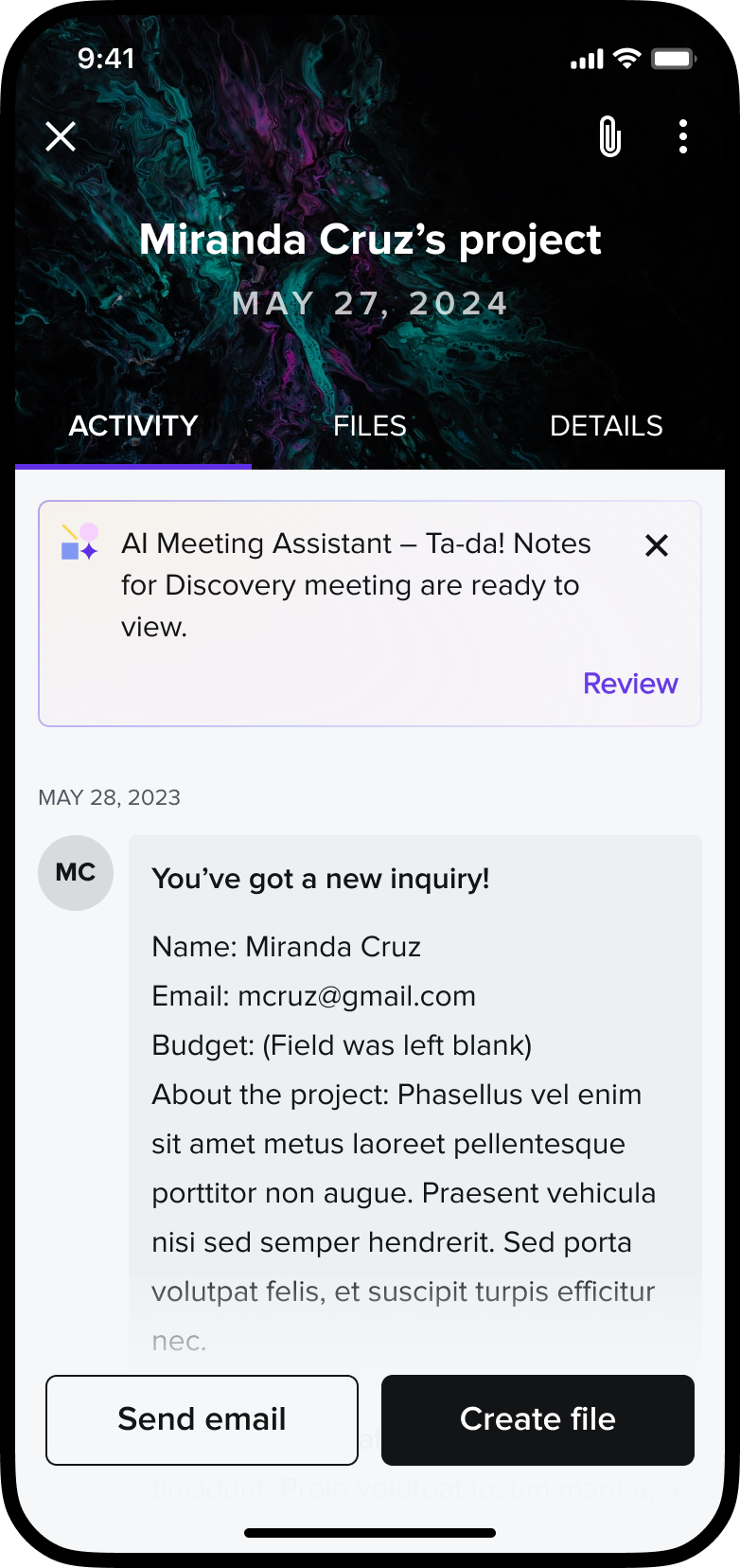
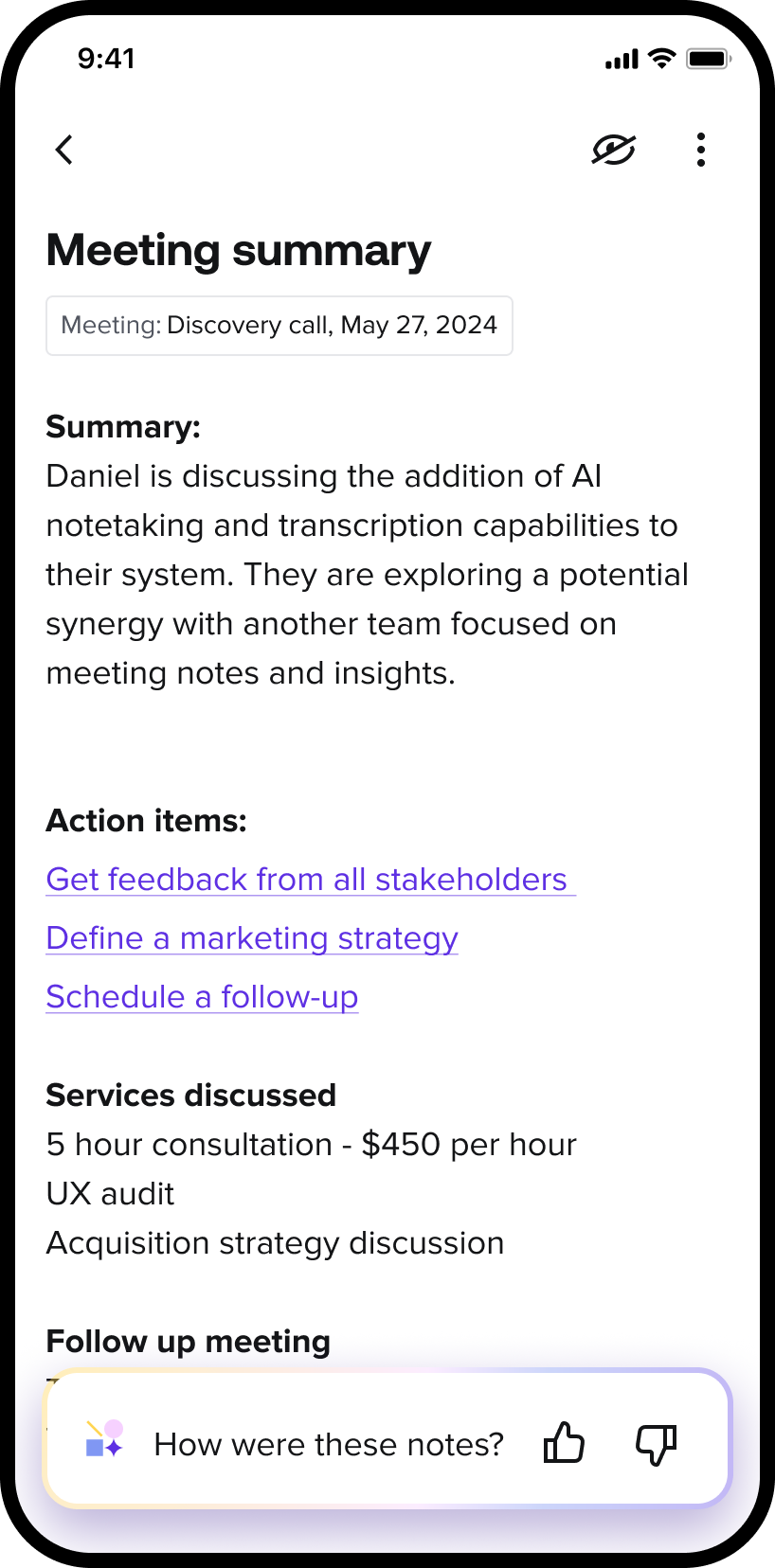
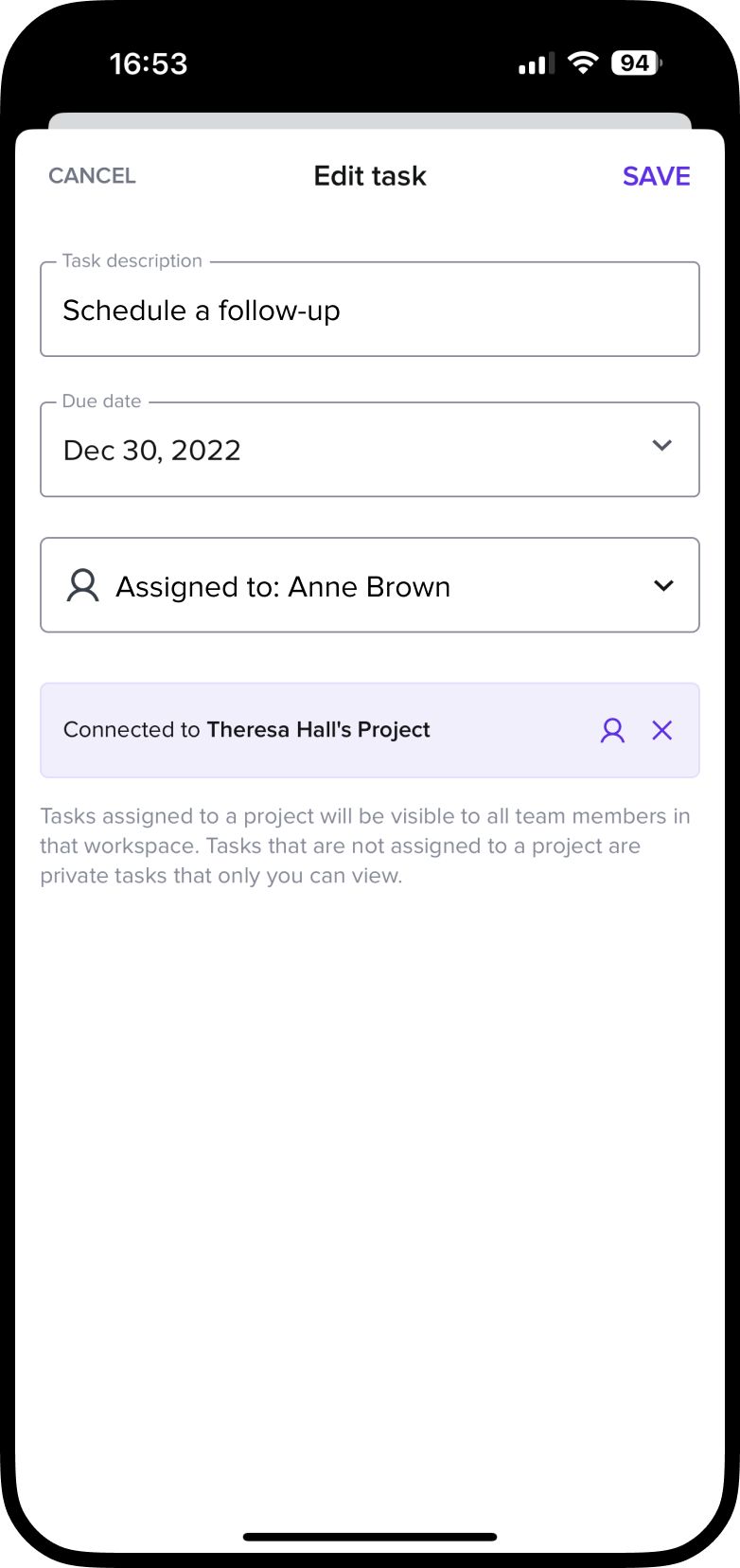
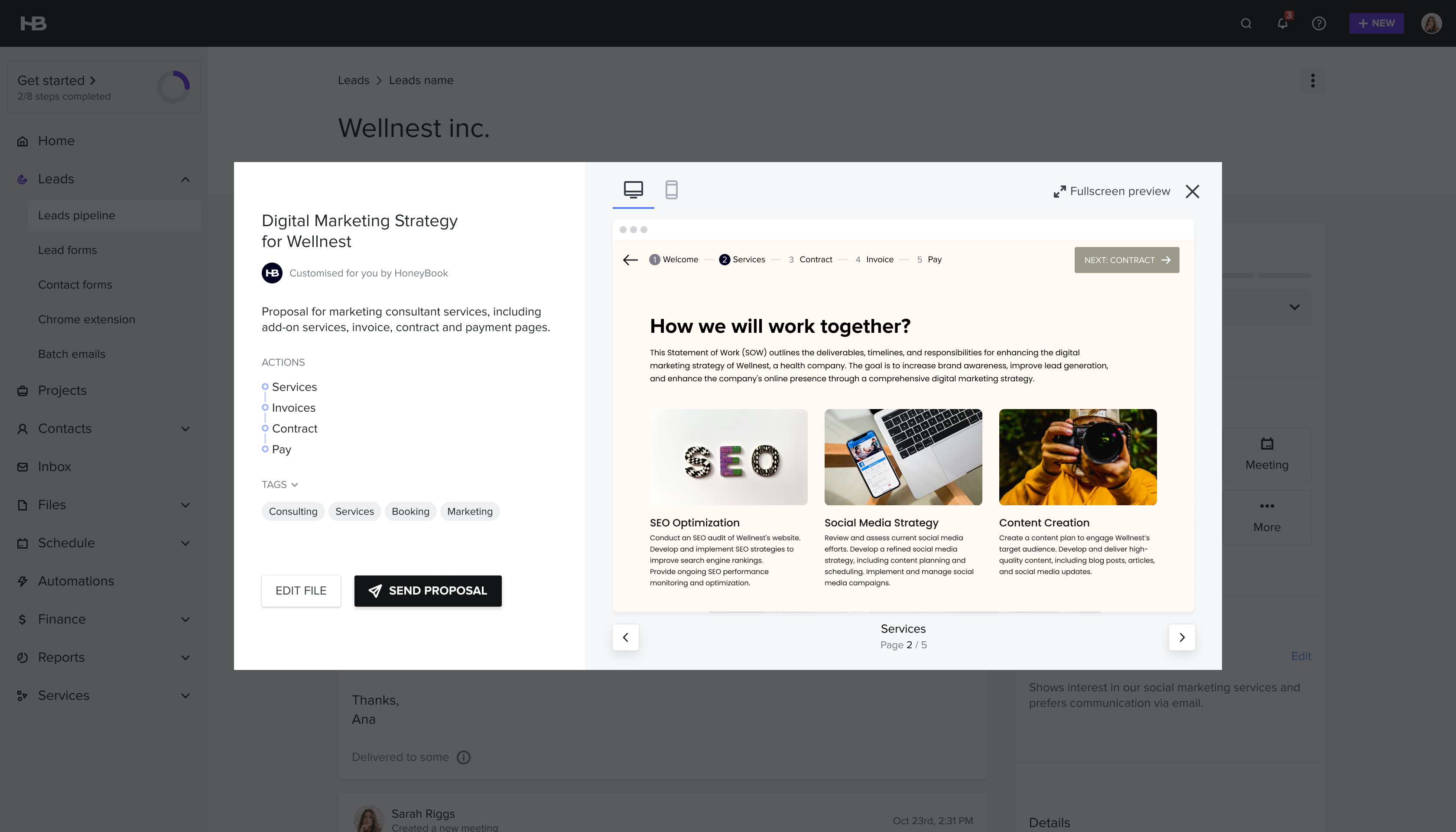
Using the app, Anna records her client meeting, allowing AI to generate a transcript and summarize key points. When she opens the project, an AI-generated recap provides key notes and suggested action items — like generating a tailored proposal or scheduling a follow-up — keeping her organized and ensuring nothing falls through the cracks.
Follow-up cadence is pure guesswork. 2–3 attempts, then silence. The recap removes the ambiguity — you know what was agreed and what comes next.
Dark bars = all users · Tinted bars = within opt-in cohort only
We were afraid trialers wouldn't opt in to Gmail access — so we made it a separate step. This created the very problem we feared: not enough data. When we surfaced it as part of the onboarding flow, users weren't bothered at all. Trust is earned through value, not permission flows. Show what it does — then explain what you're doing.
Keep humans
in the loop.
For a creative running their own business, they are the product. Nothing sends without their tap. The AI handles the admin so they stay focused on what actually matters: their craft.